



At 1xBet, we strive to deliver an unparalleled betting experience just for you. Experience seamless and efficient desktop betting with the 1xBet PC app, crafted for speed and reliability. Experience a diverse selection of sports, casino games and live betting options, all conveniently accessible from your computer with the app. Effortless navigation, secure transactions and immediate access to your preferred betting markets. Get the 1xbet app for PC now and experience premium betting right from your desktop, anytime, anywhere!
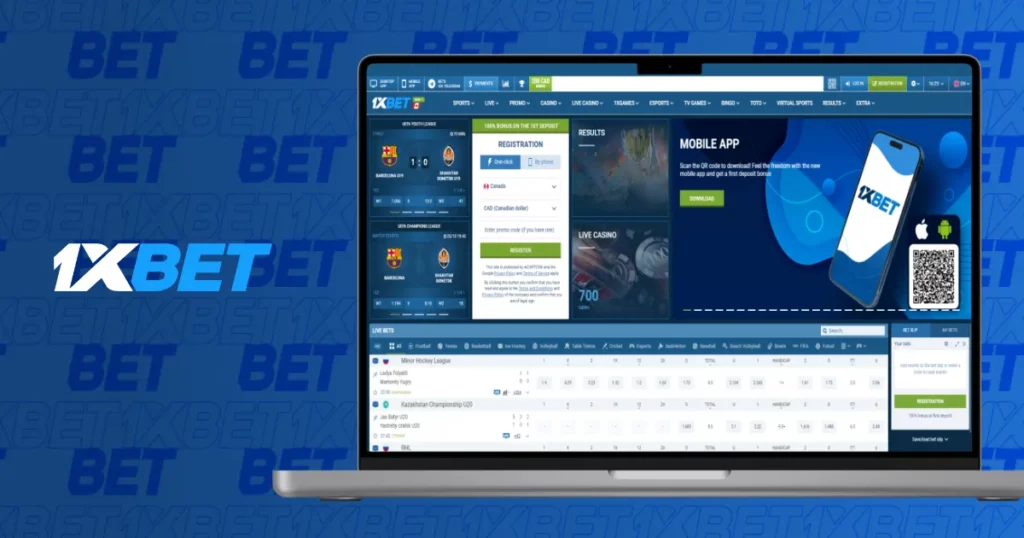

1xBet Download APP
This is how easy and quick it is to start using the 1xBet PC app. You can get the app and put it on your computer by following these steps. We’ll also talk about the system needs, the step-by-step download process and how to fix common problems.
System Requirements for 1xBet PC App:
- Operating System: Windows 7 or higher
- Processor: Minimum 1.5 GHz
- RAM: At least 2 GB
- Available Disk Space: 200 MB or more
- Internet Connection: Stable broadband connection
Installation Steps:

- 1xBet Download App for PC: Visit official 1xBet website and click on “Download for PC” button.
- Run the Installer: After download, double-click the installer file to begin the installation.
- Follow On-Screen Instructions: Complete the installation by following the prompts. This will take just a few minutes.
- Launch the App: Once installed, open the app from your desktop and login to start betting.
Troubleshooting Tips:
- If the app doesn’t open, ensure your system meets the minimum requirements.
- If the download is interrupted, try downloading again from the official 1xBet website.
- Make sure to disable any antivirus software that might be blocking the installation.
With the 1xbet download PC, you can bet without any problems from your computer. If you have any problems, you can find more help in our contact area.
Access 1xBet Seamlessly Through Your Web Browser on PC
You can easily use all of our services through your PC browser if you don’t want to download the 1xBet app. With this method, you can sign in and start playing right away, without having to install anything. To get to 1xBet on your PC, follow these steps:
Steps to Access 1xBet on Your PC Browser:
- Open Your Browser: Launch your preferred browser (Chrome, Firefox, Safari, etc.).
- Go to 1xBet Website: In the address bar, type in the official 1xBet website URL.
- 1xBet Login: Enter your account details to access your profile and start placing bets.
- Navigate Easily: Use the intuitive interface to browse sports, casino games and live betting options.
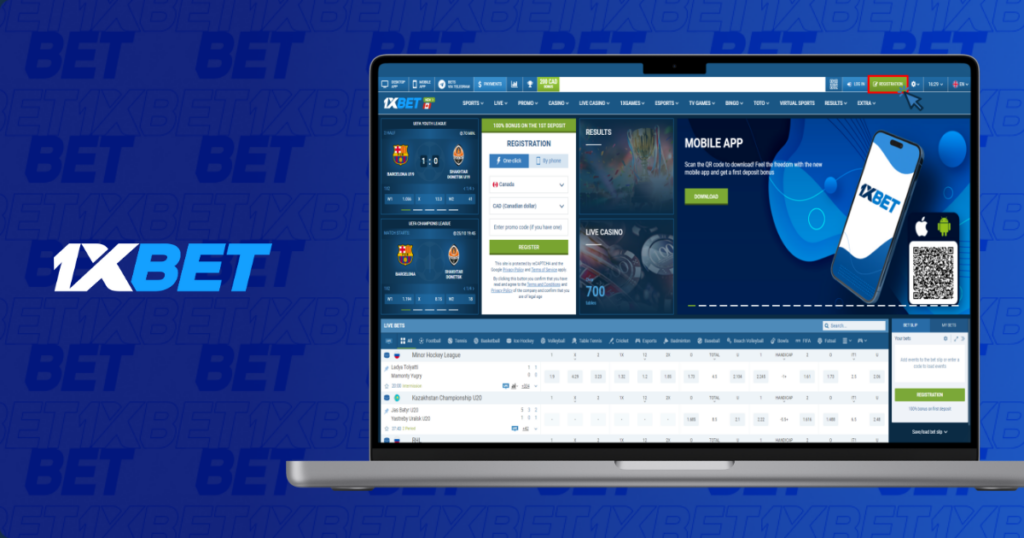
If you use your computer to reach 1xbet PC, you can bet quickly and easily from anywhere, at any time, without having to download anything else.
Quick and Simple Download Instructions for 1xBet on macOS
The 1xBet app for PC works perfectly with macOS and is simple to set up. These easy steps will help you get the app on your Mac and set it up. Before you start, make sure that your system meets the most basic needs so that it can be installed and used easily.
System Requirements for macOS:
- Operating System: macOS 10.10 or higher
- Processor: Intel-based or Apple M1 chip
- RAM: At least 2 GB
- Available Disk Space: 200 MB or more
Steps to Download and Install 1xBet on macOS:
- Download App: Go to the official 1xBet website and click on the “Download for macOS” option.
- Open the Installer: Once the file is downloaded, double-click the .dmg file to start the installation process.
- Grant Permissions: You may need to adjust your macOS security settings to allow installation from identified developers. Go to System Preferences > Security & Privacy, then click Allow.
- Complete the Installation: Follow the on-screen instructions to finish the installation.
- Launch the App: Once installed, open the 1xBet app from your Applications folder and login to your account.
By following these steps, you’ll quickly have the 1xbet app for PC running smoothly on your macOS device, ready for seamless betting.
TL:DR – 1xBet PC App Overview
- Features of the 1xBet PC App: The 1xBet PC app makes desktop betting quick and easy and it gives you quick access to many sports, gambling games and live betting choices. The app makes sure you have a smooth experience whether you’re on Windows or macOS by making transfers safe and the interface easy to use.
- System Requirements & Installation: You need at least Windows 7 and 200 MB of free room on your hard drive to use the 1xBet app on PC. For macOS, the app works with macOS 10.10 or later. For smooth games, both systems need a stable internet link.
- Download & Installation Process: It’s straightforward and fast to download the 1xBet app for both Windows and macOS. All you have to do is go to the official website, download the app for your device and follow the easy steps to install it. If you use macOS, you may have to change your security settings so that you can install apps.
- Alternative Web Browser Access: You may still use 1xBet on your web browser if you don’t want to download the app. You don’t need to install anything; just go to the official site, login and start betting.
- Support & Troubleshooting: If you encounter any issues with the download or installation, refer to the troubleshooting tips provided. Common issues such as download interruptions or installation errors can typically be resolved with a quick restart or adjusting system settings.
Conclusion
To sum up, the 1xBet PC program is a great and easy-to-use way to wager on your computer. You may easily access a large choice of sports and casino games whether you download the app for your Windows or macOS device or use the online browser version. The 1xBet app makes betting easy and fun by being easy to install, working with a wide range of systems and performing well. We want to provide all of our customers the best betting experience possible, therefore we suggest you download the 1xbet app for PC or use your browser to access it right now for quick and easy betting.